Viktor Werner · 14 September 2026
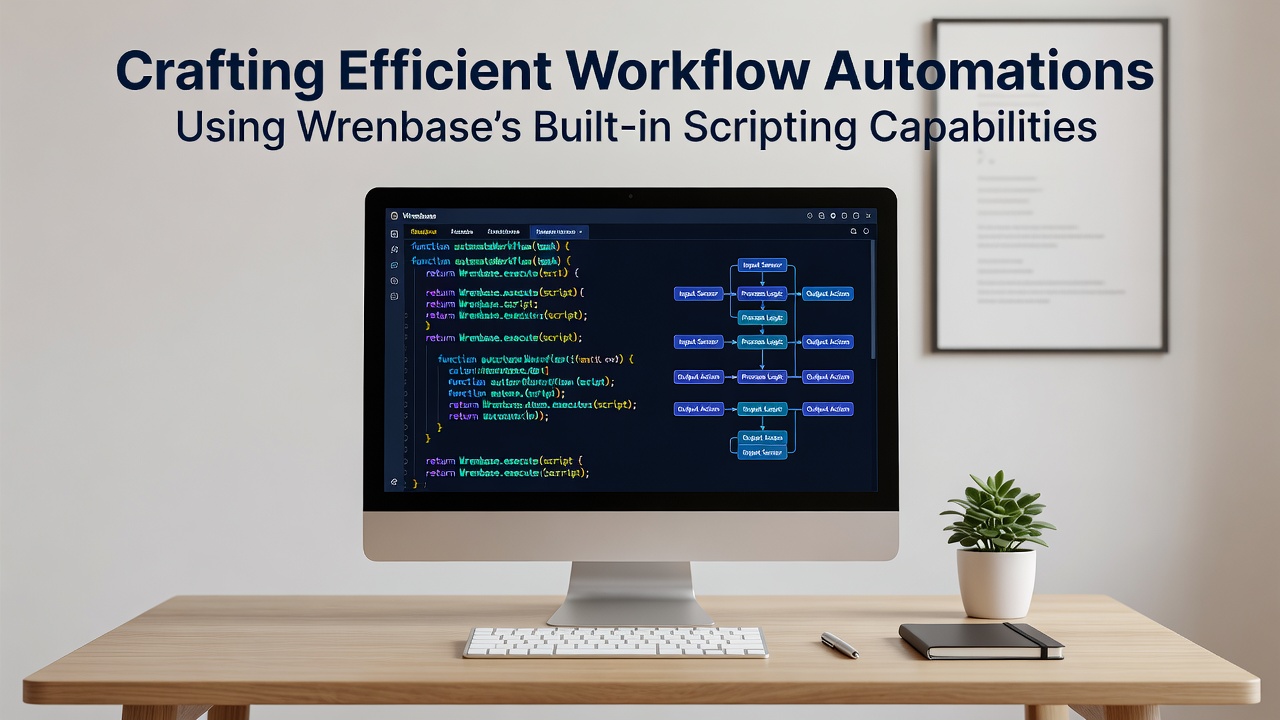
Crafting Efficient Workflow Automations Using Wrenbase's Built-in Scripting Capabilities
Organizations across industries continue to adopt Wrenbase for its scripting layer that sits directly inside the platform and connects data sources, triggers, and actions without requiring external middleware in many cases. The scripting environment supports JavaScript-based syntax along with native functions for querying records, handling events, and scheduling recurring tasks, which allows teams to build automations that run on the same infrastructure as their notes and databases.
Core Scripting Components in Wrenbase
Scripts execute inside sandboxed containers that provide access to core modules for database operations, HTTP requests, and file handling while enforcing permission scopes defined at the workspace level. Users define variables at the top of a script, then call methods such as wren.query() or wren.schedule() to interact with stored information, and the system logs each execution wth timestamps and output summaries for later review. Data indicates that teams using these native functions reduce the number of separate tools needed for routine processes by combining notification logic, record updates, and conditional branching in single scripts.
Event-Driven Triggers and Scheduling Options
Built-in triggers activate scripts on record creation, field changes, or time-based intervals, and observers note that September 2026 will bring expanded cron syntax support along with webhook endpoints that accept payloads from external services. A script can listen for changes in a specific collection, evaluate conditions using standard comparison operators, and then update related records or send structured messages to connected applications. This setup keeps logic centralized while maintaining audit trails that meet common compliance requirements for data handling.
Practical Implementation Patterns
One common pattern involves pulling data from multiple collections, performing calculations, and writing results back in a single transaction so that downstream views update automatically. Another approach uses HTTP modules to fetch information from third-party APIs, parse the responses, and store selected fields without leaving the Wrenbase environment. Research from the Massachusetts Institute of Technology shows that organizations consolidating such steps into platform-native scripts often report lower latency for time-sensitive processes compared with routing the same tasks through separate automation platforms.

Conditional logic appears frequently in production scripts, where if-else blocks check status fields before deciding whether to create follow-up tasks or archive completed items. Error handling uses try-catch structures that log failures to a dedicated collection, allowing administrators to review issues without interrupting the main workflow. Those who maintain these scripts often store reusable functions in shared modules so that updates propagate across multiple automations rather than requiring edits in each location.
Integration with External Systems
Wrenbase scripts can issue authenticated requests to services outside the platform, and a report published by the Australian Bureau of Statistics highlights how similar scripting approaches in enterprise tools have contributed to measurable gains in cross-department data consistency. Authentication tokens are managed through encrypted workspace settings, and scripts reference those tokens by name rather than embedding credentials directly in code. This separation reduces the surface area for accidental exposure while still permitting flexible connections to CRMs, calendars, and analytics endpoints.
Performance Considerations During Execution
Scripts run with configurable timeouts and memory limits that prevent runaway processes from affecting other workspace operations, and the execution environment returns detailed metrics on duration and resource use after each run. Teams monitor these metrics through built-in dashboards that display trends over days or weeks, helping identify scripts that may benefit from optimization such as batching queries or caching intermediate results. Data from the National Institute of Standards and Technology indicates that consistent monitoring of automation performance correlates with sustained efficiency improvements across repeated cycles.
Version Control and Collaboration Features
Each script maintains a revision history that records changes, authors, and timestamps, allowing users to compare versions or revert to earlier states when needed. Collaboration occurs through shared workspaces where permissions control who can edit versus view scripts, and comments can be attached to specific lines for discussion without leaving the editor. This built-in traceability supports audit requirements in regulated environments while keeping the development process inside the same interface used for data management.
Conclusion
Wrenbase's scripting capabilities provide a unified environment where data operations, scheduling, and external integrations coexist without additional infrastructure layers in many scenarios. As organizations refine their automation strategies, the platform's native tools continue to serve as a central point for defining repeatable processes that align with existing records and permissions. Continued updates scheduled for late 2026 are expected to extend these options further while preserving the core emphasis on execution transparency and controlled access.